Plan before you enter
Set risk, stop loss and targets in the calculator. Save instrument profiles so your defaults are ready when you need them.
 TRADE MATE V1YOUR TRADING COMPANION
A DEDICATED KEYPAD. A CONNECTED WORKSPACE.
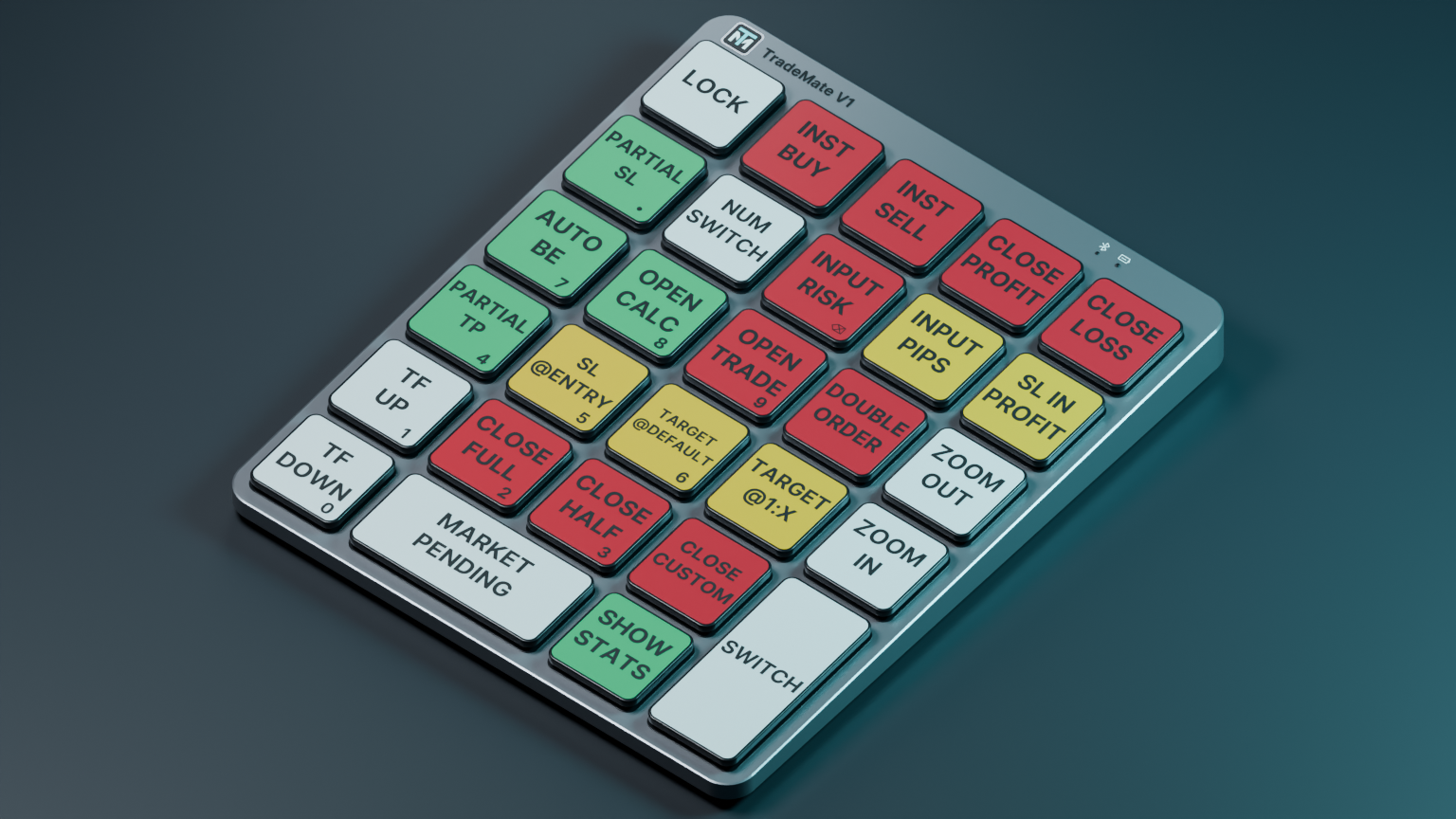
Your trading controls, right where your hands are. Plan your risk, place orders and manage positions with Trade Mate V1 for MetaTrader 5.
Windows desktop companion · MetaTrader 5
BUILT AROUND YOUR WORKFLOW
Set risk, stop loss and targets in the calculator. Save instrument profiles so your defaults are ready when you need them.
Dedicated keys bring your order controls together. Use the command switch to decide when the keypad can send trading actions.
Arm automatic break-even, set partial exits and keep account and chart information in view.
ALREADY HAVE YOUR KEYPAD?
Verify your email, redeem the code in your package and connect your computers.
Your one-year license begins when you redeem your package code, not when it is printed. Your account shows the exact expiry date.
Yes. Remove an old computer in My Trade Mate, then connect your replacement. Your license allows two registered computers.
You choose your actions and settings. Armed management rules can act when their conditions are met. Trade Mate does not choose a trading strategy or guarantee returns.
MY TRADE MATE
Activate your package and manage your computers.
We’ll send a sign-in code to your email. No password to remember.
Your year starts when you redeem your code.